What it does
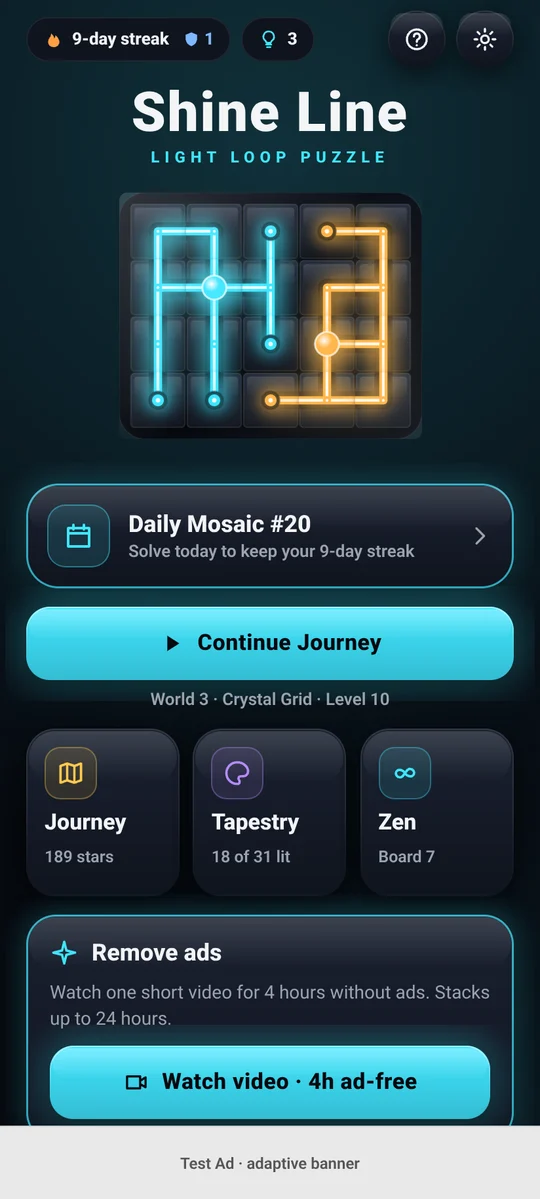
- Journey: 300 levels across 10 worlds, introducing gold-pinned tiles, two orbs with a white-gold blend, empty cells and bridges.
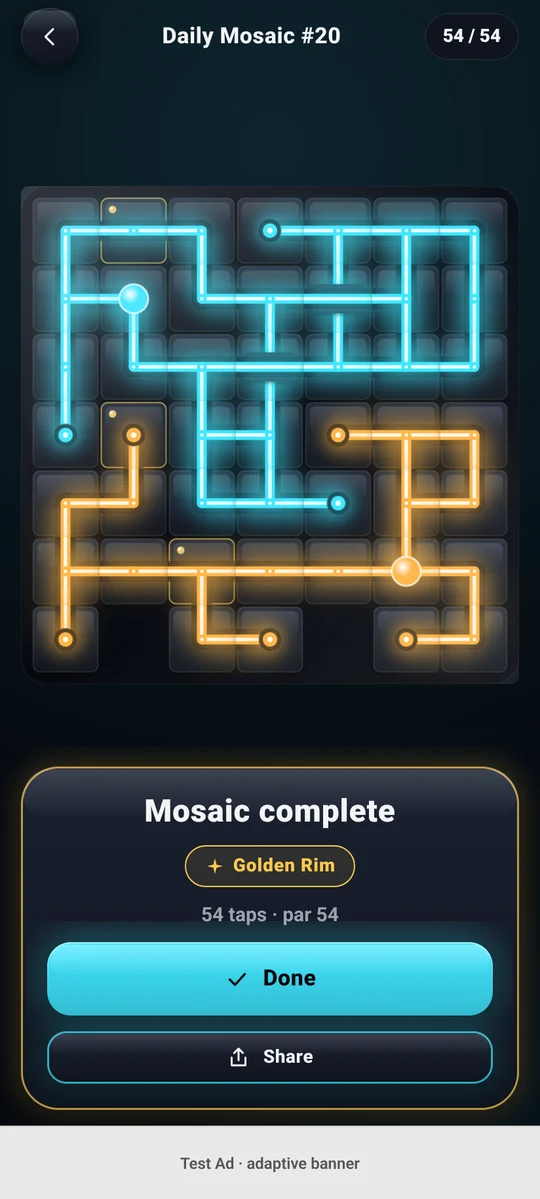
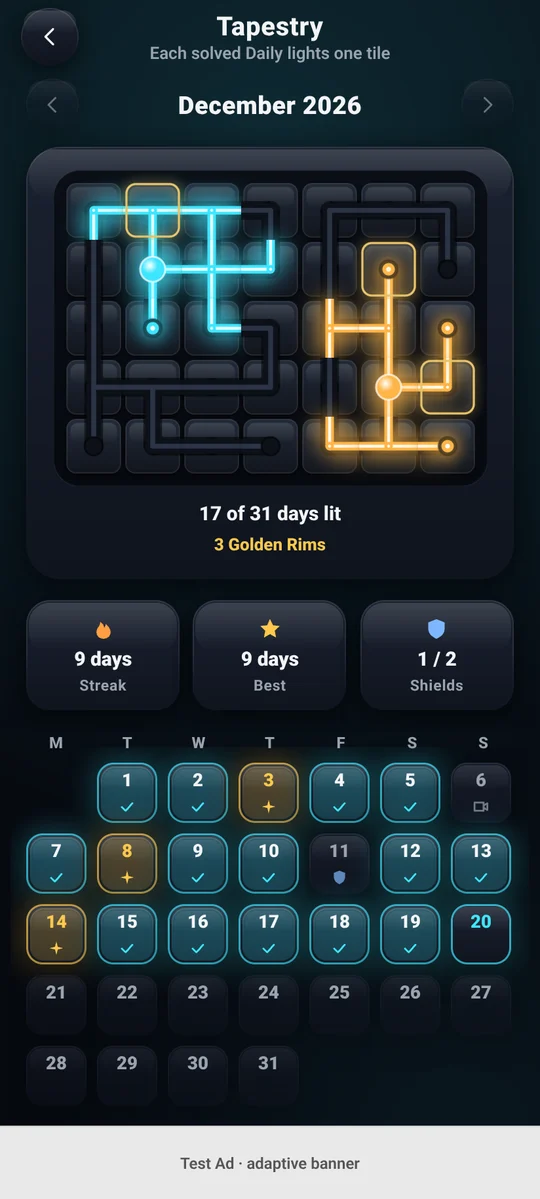
- Daily Mosaic: one new board every day, the same for everyone. Solve at or under par with no hints to earn the Golden Rim, protect your streak with streak shields, and light up the monthly Tapestry.
- Zen: endless relaxing boards with no par, no stars and no clock.
- Dark and light themes, five light palettes, colorblind markers, reduce motion, large-text support and 12 languages.
- Plays offline. No account and no sign-in.
How to play
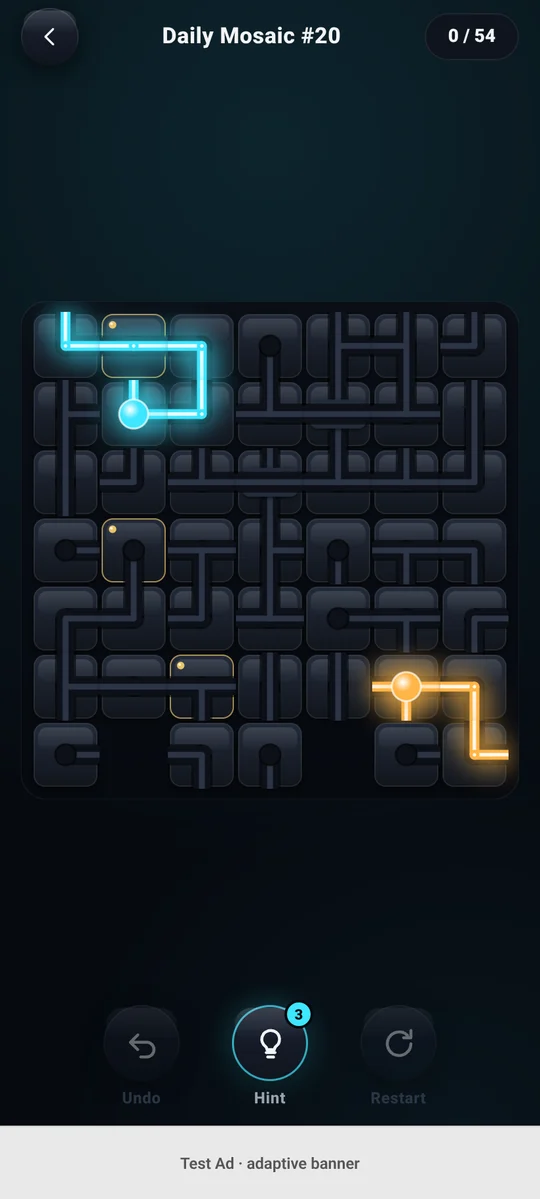
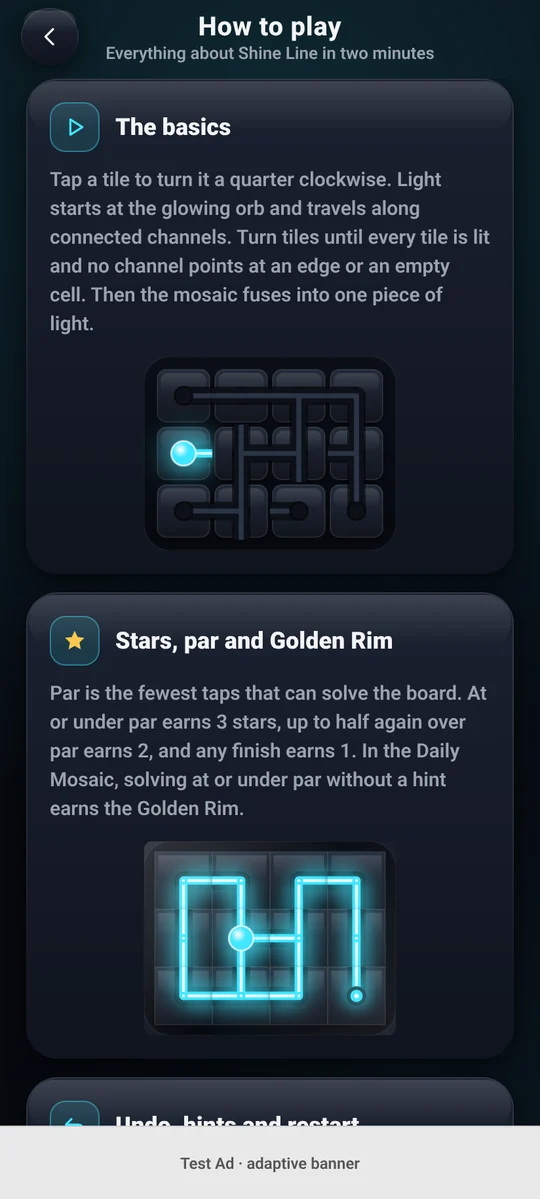
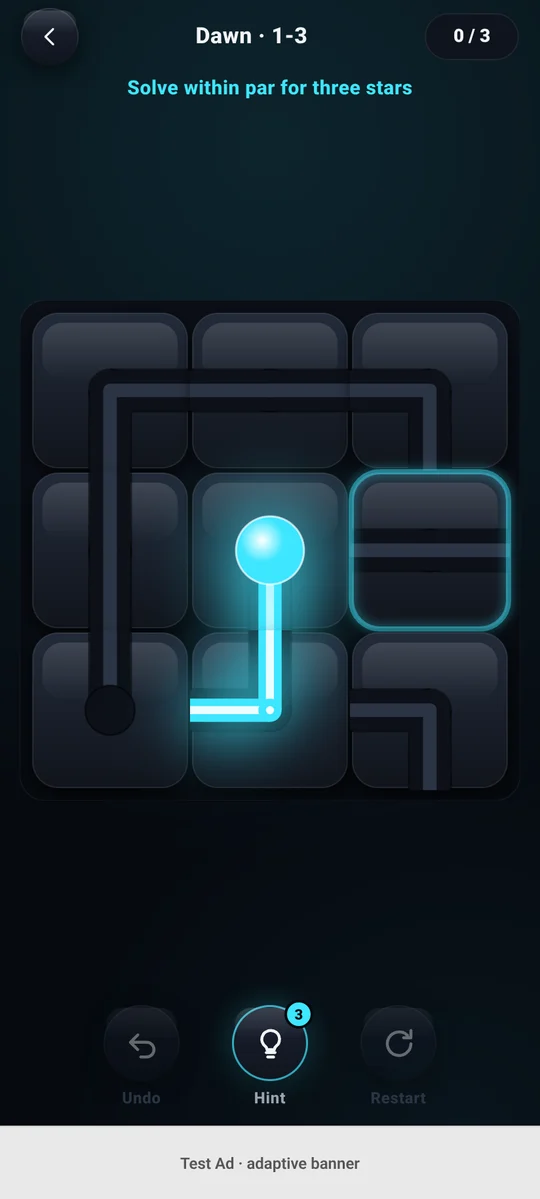
- Tap a tile to turn it a quarter turn clockwise.
- Light starts at the glowing orb and travels along connected channels.
- The board is solved when every tile is lit and no channel points at an edge or an empty cell.
- Par is the fewest taps that can solve the board. Solve at or under par for three stars.
- Gold-pinned tiles (with a gold rivet) are already in place and cannot turn: build the path around them.
- Two orbs: each orb lights its own network, and every tile must be lit by one of them. Where both lights reach the same tile, it glows white-gold.
- Empty cells break the board into new shapes; no channel may point into one. Bridges carry two beams across each other without mixing, and do not turn.
- Stuck? Undo gives the tap back, a hint turns one tile into place without counting a tap (3 free every day), and restart resets the board.
The full illustrated guide is in the app under How to play.
Explore Shine Line
Screen previews rendered from the real app interface.
The free version shows ads through Google AdMob. Consent is handled with Google UMP where required. Watching one short optional video gives 4 hours without banner, interstitial or app-open ads (stacking up to 24 hours).
Privacy policy
App: Shine Line: Light Loop Puzzle (Android package com.smartpathapps.shineline) · Developer: SmartPath Apps · Effective: 17 November 2026
The short version
Shine Line has no accounts and no servers of our own. Your progress, settings and streaks are stored on your device. The app shows ads through Google AdMob, and Google collects some data to serve and measure those ads, as described below.
Data stored on your device
Level stars, Daily Mosaic results, streaks, hints, settings (theme, palette, language, sound, reminder time) and your ad-free time. We never receive this data. If you use your phone's own backup (Android Backup or iCloud), the system may include it in your personal backup so your progress can be restored on a new phone. It is deleted from the device when you uninstall the app or clear its storage.
Advertising (Google AdMob and Google UMP)
We use the Google Mobile Ads SDK to show banner, interstitial, app-open and optional rewarded video ads. Google automatically collects and shares: your IP address (used to estimate general location), interactions with the app and ads (such as app launches, taps and video views), diagnostic information about app and SDK performance, and device identifiers (the advertising ID and app set ID). Google uses this data for advertising, analytics and fraud prevention. Data is encrypted in transit.
Where the law requires it (for example in the EEA, the UK and Switzerland), the app asks for your consent with Google's User Messaging Platform before any ad is requested. You can change your choice at any time in Settings › Privacy choices. On iPhone, the App Tracking Transparency prompt is shown after that step, and personalised ads are used only if you allow tracking. You can reset or delete your advertising ID in your device settings.
Learn more: How Google uses information from sites or apps that use its services and Google Privacy Policy.
Notifications
If you turn on the optional daily reminder, it is scheduled locally on your device. No push service or notification token is used.
Sharing
When you share a result, the text or postcard image is passed to your phone's share sheet. We do not receive it.
What we do not collect
We do not collect your name, email address, contacts, photos, precise location or any account information. We do not use analytics or crash-reporting services, and we do not sell personal data.
Retention and deletion
We hold no personal data on our own systems, so there is nothing for us to delete. To remove the data on your device, uninstall the app or clear its storage. For data held by Google, see the Google Privacy Policy linked above.
Children
Shine Line is intended for players aged 13 and over and is not directed at children under 13. We do not knowingly collect personal information from children. Ads are limited to content suitable for a general audience (PG).
Changes and contact
If this policy changes, we will update this page and its effective date. Questions: admin@smartpathapps.com.
Terms of use
Effective: 17 November 2026
By downloading or using Shine Line you agree to these terms.
- Licence. SmartPath Apps grants you a personal, non-exclusive, non-transferable licence to use the app for your own entertainment on devices you own or control.
- Free with ads. The app is free and supported by ads. Optional rewarded videos give in-game benefits (hints, streak shields, archive days, ad-free time). These benefits have no monetary value and cannot be exchanged or transferred.
- Your progress. Progress is stored on your device (and in your phone's own backup, if enabled). We have no copy, so we cannot restore it for you.
- Acceptable use. Do not copy, modify, reverse-engineer or redistribute the app or its content, except as allowed by law.
- Content. The app, its levels, artwork, sounds and the Shine Line name belong to SmartPath Apps. Store and platform trademarks belong to their owners.
- No warranty. The app is provided "as is" and "as available". We do not guarantee that it will be error-free or always available.
- Limitation of liability. To the extent permitted by law, SmartPath Apps is not liable for indirect or consequential losses arising from use of the app. Nothing in these terms limits rights you have under consumer law.
- Changes. We may update the app and these terms. The current version is always on this page.
Contact and support
Bug reports, ideas and privacy questions: admin@smartpathapps.com. Please include your device model and the app version from Settings.